Sort through a loved one's things, together.
Sortwell helps a family catalogue everything in a home, find out what each thing is and roughly what it's worth, and decide together who keeps what.
Works in your browser today. The iPhone app for photographing room by room is coming soon.
How it works
From a house full of things to a plan everyone agrees on
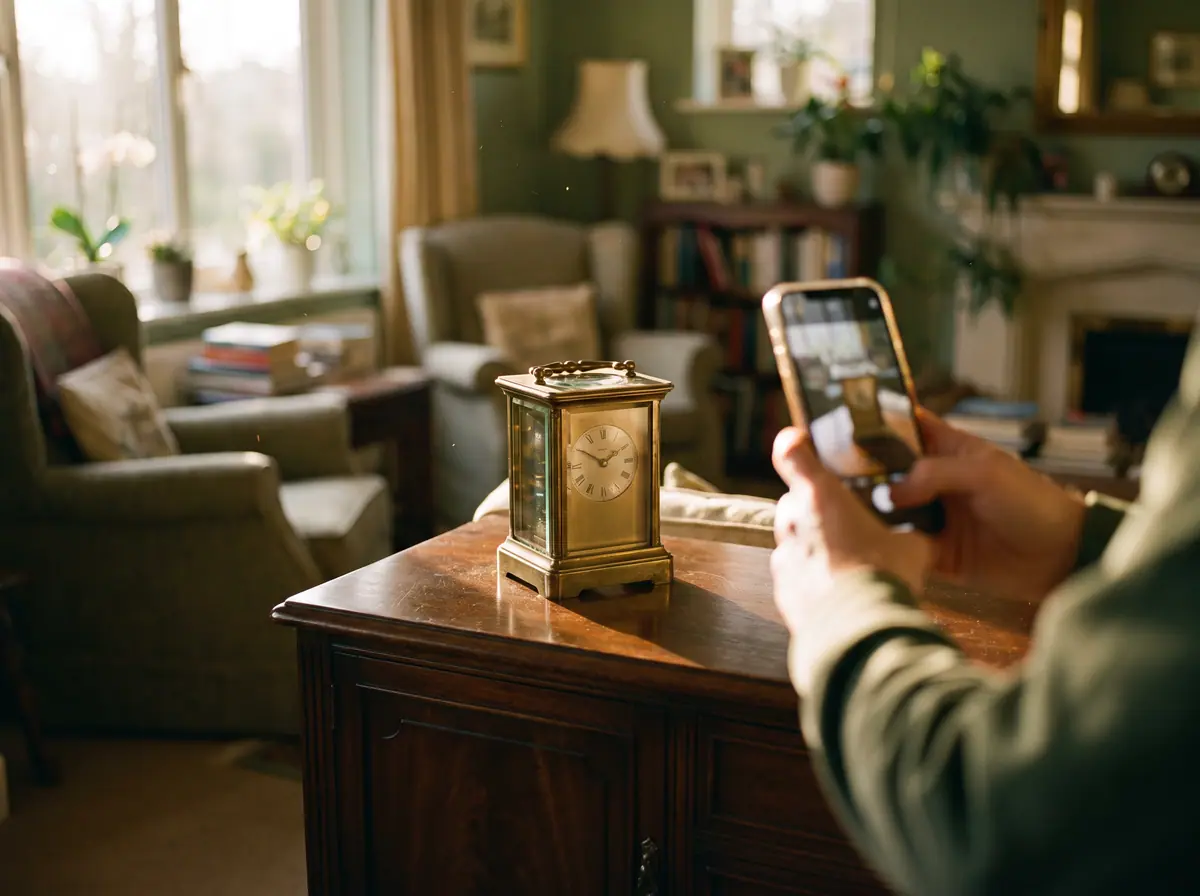 Step 1
Photograph each room
A few photos of each thing, including any marks or labels. It works without signal.
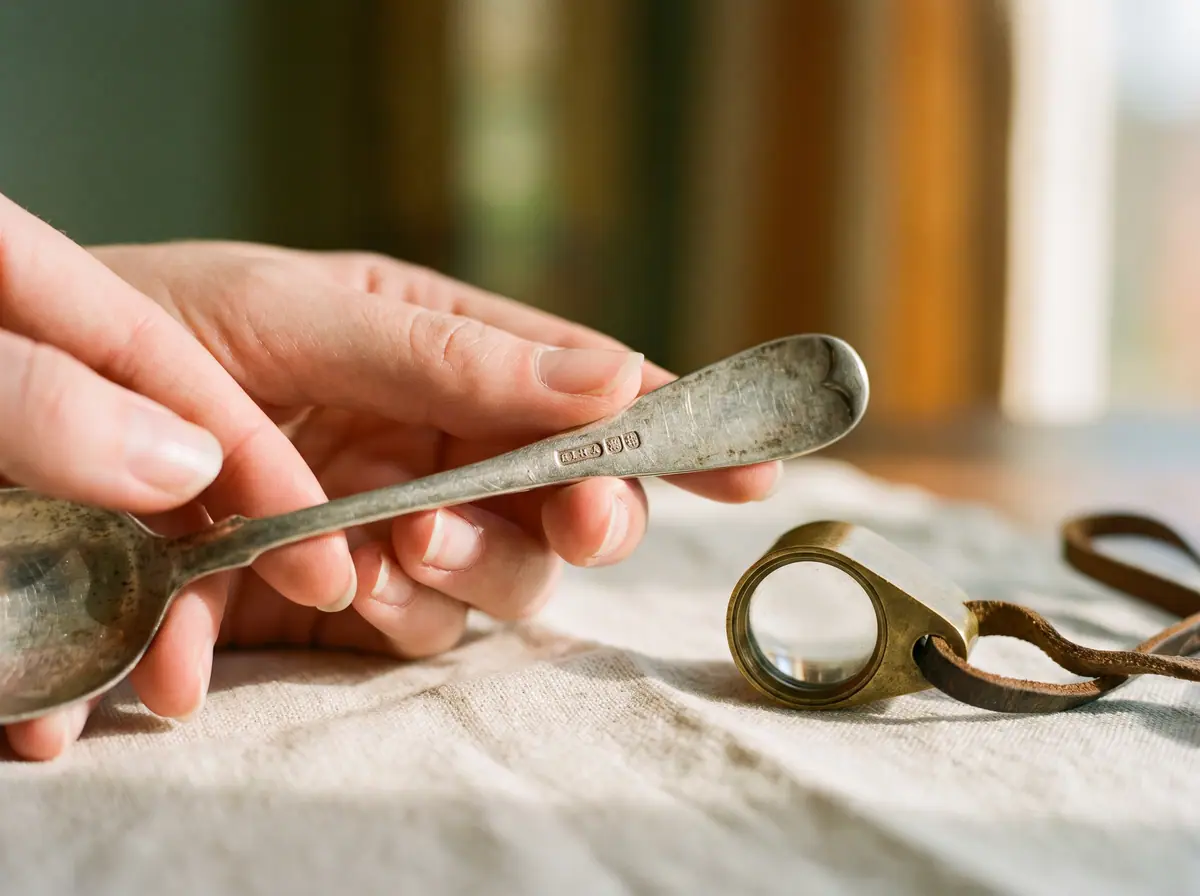 Step 2
Find out what you have
Research identifies each thing and suggests a price range from similar sales.
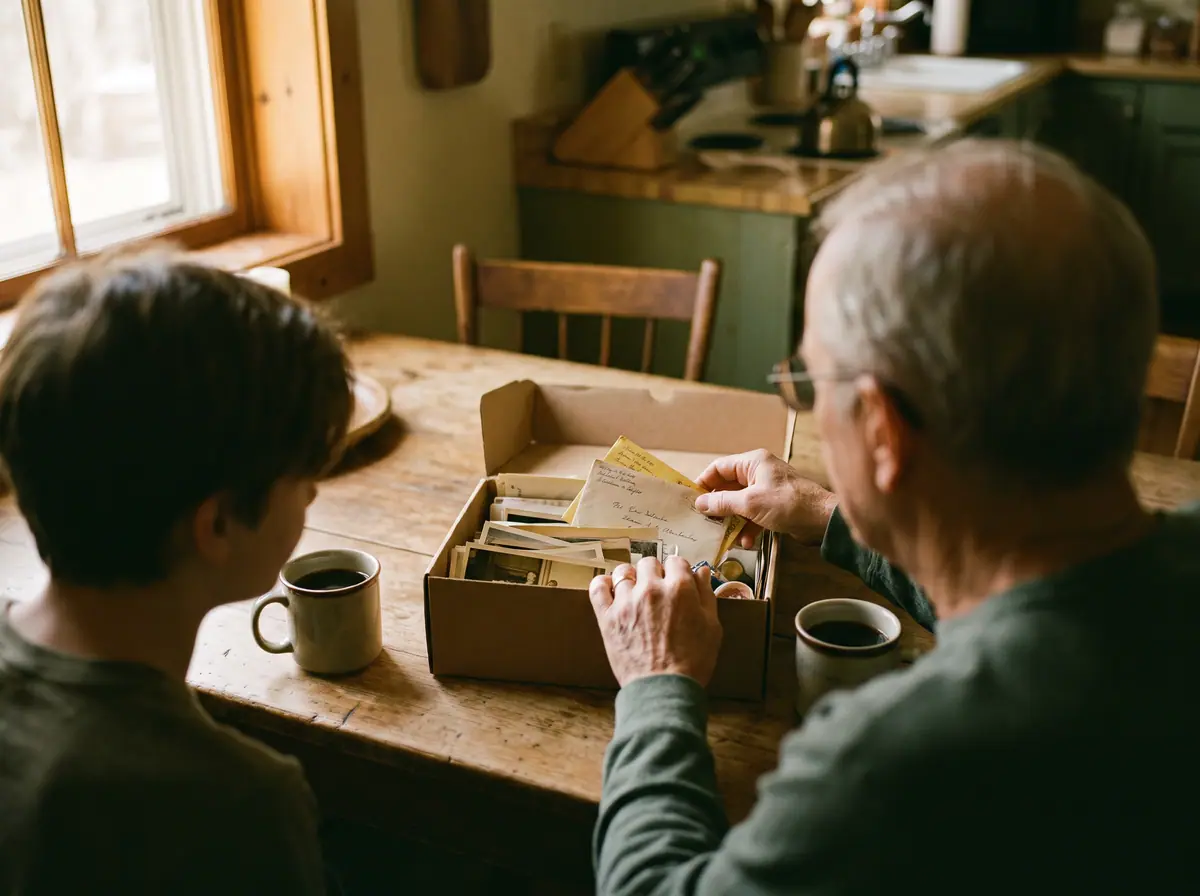 Step 3
Decide together
Everyone sees the same list, says what they'd like, and agrees what happens.
 Step 4
Share and export
Download an inventory, or give a valuer or solicitor read-only access.


A room at a time, at your own pace
Photograph a whole room in one go with the iPhone app (coming soon), or drag photos in on a computer.
- Tag each photo: the whole piece, a maker's mark, a signature or a label.
- No signal, no problem. Everything uploads when you're back online.
- “Next item” is always instant, so you keep moving through the room.
A guide to value, not a valuation
For each thing, research suggests what it is, when and where it was made, and what it might sell for.
- A likely price range from comparable sales, with how sure it is.
- A note when something deserves an expert's opinion.
- Anything AI filled in carries this mark. Correct it and it stays corrected.
The whole house in one list
Search everything at once, and see the house however suits the conversation.
- Filter by room, category, estimate or decision.
- Group by room to see what's left in each.
- Save the views you use and share them with the family.
Everyone has a say
The whole family sees the same list, wherever they live, so nothing gets lost between phone calls.
- Say which things you'd like, and why.
- Talk it through in comments on each item.
- Every decision is kept in the item's history.
Bring in the people helping you
Invite a valuer, dealer or solicitor as a guest, or export the inventory as a PDF or spreadsheet.
- Guests look through items and photos but can't change anything.
- Estimates and family conversations stay hidden from them.
- Choose when each guest's access ends.
Privacy
These are someone's things. We treat them that way.
A home holds a lifetime. Sortwell is built so it stays with the people it belongs to.
Private by default
Only the people you invite can see an estate. Photos are stored privately and shown through short-lived links.
Location removed from photos
When a photo uploads, its hidden data is stripped, including where it was taken.
You choose who sees estimates
Estimates stay within the family unless you show them to a particular guest.
Guests are read-only
Outside helpers can look but not change anything, and their access can end on a date you set.
Delete whenever you like
Deleting an estate removes everything in it, photos included.
Questions families ask
Straight answers about estimates, privacy and who can see what.
Is this a valuation?
No. Estimates are a guide to likely value, based on comparable sales and listings. For insurance, probate or selling something valuable, get a formal valuation from a qualified valuer. Sortwell points out the things most worth asking about.
Who can see our things?
Only the people you invite. Family members can be editors, who add and research items, or viewers, who look, comment and say what they'd like. Owners manage who's invited. Outside helpers join as read-only guests.
Does it work without signal?
Yes, on the iPhone app (coming soon). Photos and notes are saved on the phone and upload when you're back online, so you can work through a house with no Wi-Fi.
Can our solicitor see it?
Yes. Invite them as a guest to look through the items read-only, with estimates hidden unless you choose to show them, and an end date if you like. Or send them a PDF or spreadsheet of the inventory.
What happens to our photos?
They're stored privately, with location and other hidden data removed, and only people in the estate can see them. If you delete the estate, its photos are deleted too.

Start with one room.
Create an estate, invite the family when you're ready, and take it at whatever pace feels right.
Get started